


Cloud Computing Expenses
Cloud bills are getting harder to manage.
Companies are using more computing power than ever. AI tools, automation, data reports, simulations, and business software all need computers to process more work behind the scenes.
That usually means higher cloud bills, surprise costs, spending limits, and teams being told to use less of the tools they need.
Murmur gives companies another way to handle this.
Instead of paying the cloud to do every job, Murmur uses devices the company already owns, including laptops, workstations, phones, servers, and existing cloud accounts.
Many of those devices are not working at full power most of the day. Murmur helps put that unused power to work.
From Data Centers to Idle Devices
Use the devices you already have.
Most companies rely on large systems to handle computing work: data centers, cloud services, and servers.
Murmur adds another layer by using approved devices that are already inside the company.
- A laptop on a desk
- A workstation under a desk
- A phone in someone’s pocket
- A server already in the building
Each approved device can help process work safely and under company rules.
Murmur does not replace the cloud or the data center. It gives the company another option. Work can run where it makes the most sense: on company-owned devices, internal servers, private cloud, or public cloud.

How We Do It
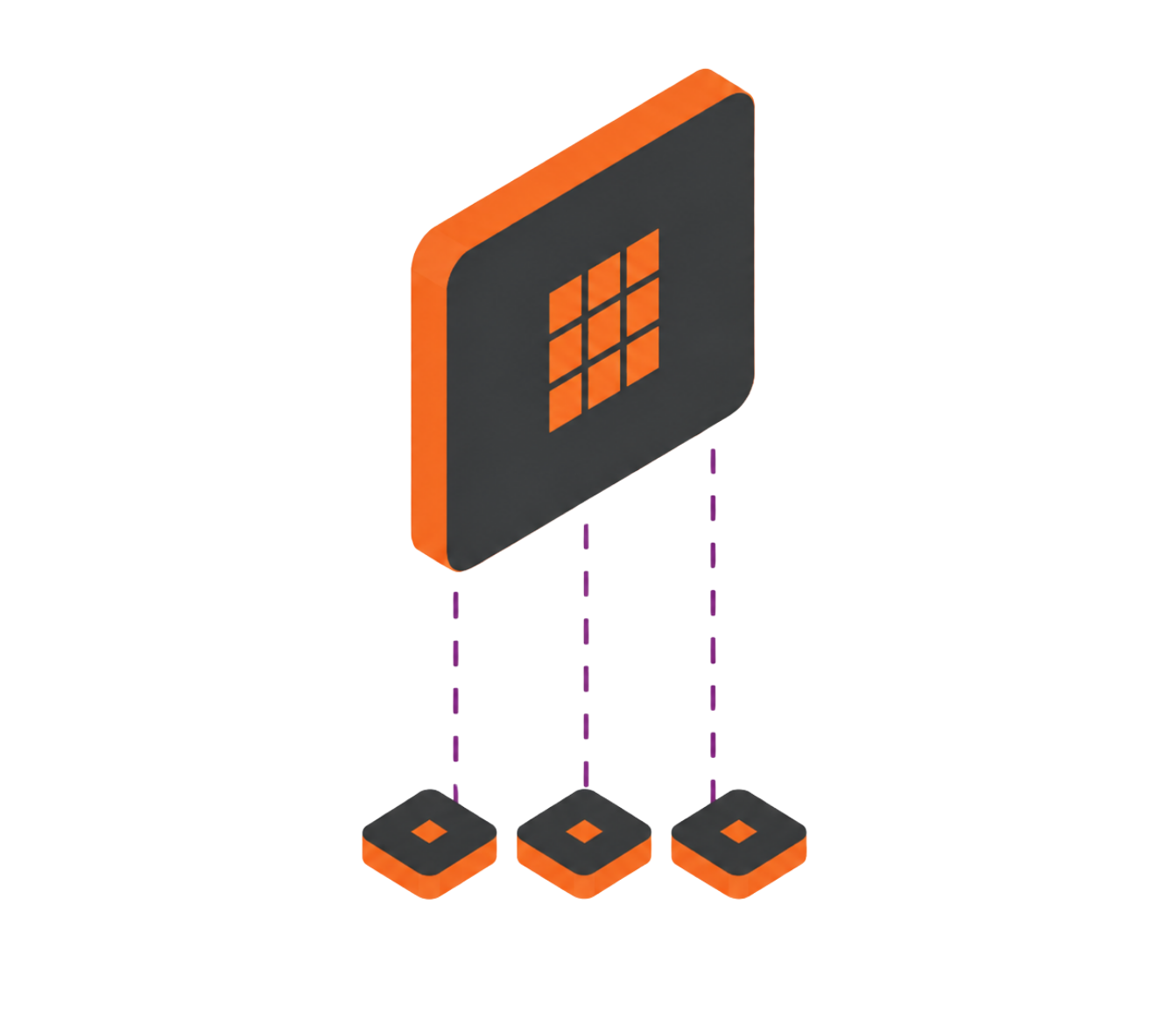
Murmur breaks the work into small math tasks.
Each device only receives the small piece it needs to solve. It does not see the full program, the full model, or the business logic behind the work.
1. Break It Down
Murmur takes a larger job and breaks it into smaller math tasks.
2. Send The Work
Murmur sends those tasks to approved devices, servers, or cloud resources based on company rules and device conditions.
3. Process The Task
Each device completes only its assigned piece.
4. Put It Back Together
Murmur collects the completed pieces and returns the final result.
5. Review & Control
Murmur creates a controlled system that can be reviewed for security, governance, and compliance.
Murmur is designed to work behind the scenes. Developers can connect it through SDKs, and plugins can bring Murmur into familiar tools without forcing teams to change how they work.
Real-World Validation
Murmur has already been tested on real workloads.
Murmur has demonstrated distributed computing across owned devices and live application workloads.
Foundational Benchmark
Murmur completed 500 million parallel computations in ten seconds using five already-owned devices. In that benchmark, no data left the building.
Live Plugin Proof
Murmur’s first plugin has run with Boltz, distributing work across the fleet while keeping the original binary in place. Devices received only isolated math tasks, and the results matched the reference output exactly.
Enterprise-Relevant Performance
Murmur’s fleet testing shows that common enterprise devices can deliver strong sustained performance on math-heavy workloads.
The important point is not that one device replaces one cloud instance. The value comes from the combined capacity of the entire fleet.
Security-First Architecture
Murmur is designed to help protect proprietary workloads. The algorithm stays with the server. Devices receive isolated math operations that cannot be used to reconstruct the full workload.

Savings Calculator
Estimate the value of computing power you already own.
Most cloud savings plans start by asking companies to use less.
Murmur starts with a better question:
How much cloud computing could your company replace with devices it already owns?
Use the calculator to estimate the value of putting idle company hardware to work.